
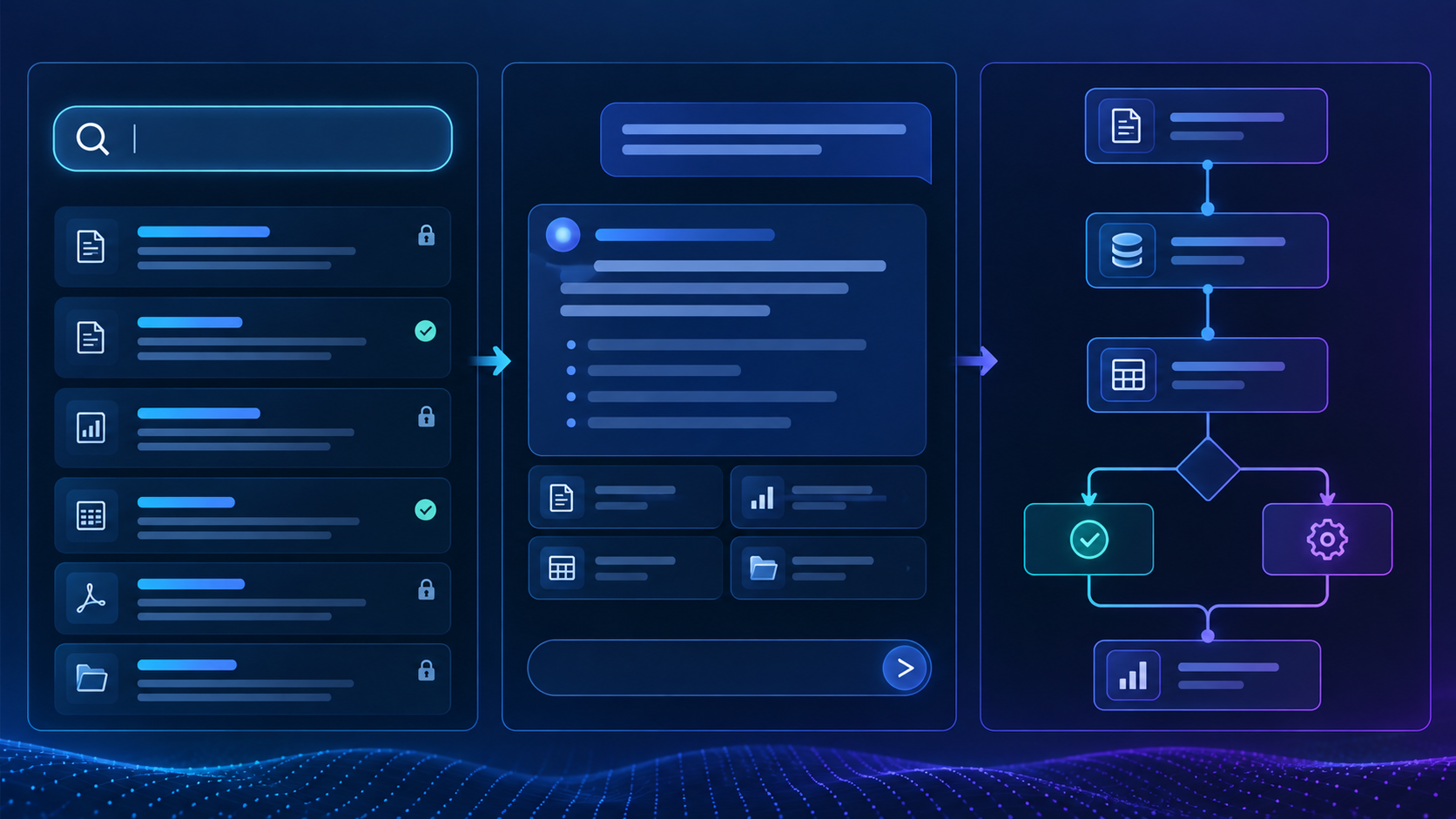
Compare AI search vs AI copilot vs AI agent across 3 essential choices for SaaS teams: finding information, assisting decisions and taking bounded actions. This guide explains the decisions, implementation boundaries and review points that matter inside an established product.
Table of Contents
AI search vs AI copilot vs AI agent: a practical overview
AI Search vs AI Copilot vs AI Agent: Which Feature Should You Build? is a practical question for established B2B SaaS teams that already have customers, workflows, APIs, data and permission rules. The useful answer is not a list of model capabilities. It is a way to improve a real product task while keeping the surrounding software understandable, secure and supportable. This guide focuses on the decisions a product and engineering team can make before the feature reaches customers.
Start with the user job, not the most advanced label
Search, copilots and agents solve different product problems. They should not be treated as a simple maturity ladder. AI search helps users find and understand information. A copilot helps users complete work with product context. This matters because the decision has to make sense inside the normal product workflow, not only in a demo. The team should be able to explain who benefits, what changes for that user and which existing product boundary remains in control.
An agent coordinates steps or approved actions through tools. The right pattern depends on the workflow and consequence of error. In an established product, this affects the API boundary, test cases, support path and what the user sees when something goes wrong. Making that choice explicit early reduces rework and gives product and engineering a shared standard for the first release. Many SaaS products can create more value with trustworthy search than with broad autonomy. The practical check is the behavior can be reproduced with representative product data and a real permission context.
When AI search is the right first feature
Choose search when information friction is the main problem. Users may struggle across records, documents or policy sources. Natural-language search can combine filters, structured queries and retrieval. The reason is straightforward: the decision has to make sense inside the normal product workflow, not only in a demo.
Answers should be permission-aware and source-aware. Read-only search has a smaller risk surface than action-taking features. Inside an existing SaaS product, this affects the API boundary, test cases, support path and what the user sees when something goes wrong. A contract product can answer which agreements contain a clause and open the exact passages. A useful test is to ask the behavior can be reproduced with representative product data and a real permission context.
When a copilot is a better fit
Choose a copilot when the product knows the current workflow and the user needs help producing or deciding something. Use current screen, selected record and user role as context. Support a small family of related tasks. That sounds simple, but the decision has to make sense inside the normal product workflow, not only in a demo.
Return drafts, explanations or recommendations the user can review. Evaluate whether the output helps complete the workflow. For teams with real customers and production data, this affects the API boundary, test cases, support path and what the user sees when something goes wrong. An account copilot can explain risk and prepare a renewal brief using the account already open on screen. Before moving on, check whether the behavior can be reproduced with representative product data and a real permission context.
When an agent is justified
Choose an agent when the value depends on coordinating several steps or tools. Keep the objective bounded. Expose a limited set of approved tools. The important point is that the decision has to make sense inside the normal product workflow, not only in a demo.
Maintain explicit state between steps. Insert confirmation or approval checkpoints based on consequence. For a mature SaaS product, this affects the API boundary, test cases, support path and what the user sees when something goes wrong. A renewal agent might gather data, prepare tasks and stop for approval before any external communication. A simple way to check this is to ask the behavior can be reproduced with representative product data and a real permission context.
Compare the data requirements
Each pattern needs a different amount of product integration. Search depends heavily on retrieval quality, metadata and freshness. Copilots add live product context and possibly a few tools.
Agents require reliable action APIs and state transitions. Missing APIs can turn an agent project into an API-modernization project. That foundational work may be worthwhile, but it should be planned honestly.
Compare the permission surface
The more responsibility the feature has, the more places authorization must be enforced. Search must only retrieve readable information. Copilots may use contextual services and drafts.
Agents may change state, so every tool call needs authorization. Do not grant a broad AI service account and depend on prompts for safety. Start read-only when the customer value does not require state change.
Compare evaluation difficulty
Evaluation expands as the feature takes more responsibility. Search can score retrieval relevance and evidence support. Copilots add workflow quality, context use and draft usefulness.
Agents add tool selection, argument validity, state changes and recovery behavior. Observe traces, not only the final text. A plausible final answer can hide a wrong or risky action path.
Compare the user experience
The interface should match the feature responsibility. Search fits result pages and contextual answer cards. Copilots often work best beside the current workflow.
Agents need progress visibility and clear approval points. More autonomy should come with more visible control. A hidden agent changing several systems in the background is difficult to trust and support.
A simple decision framework
Four questions can narrow the choice quickly. Is the problem finding or understanding information? Start with search. Does the user need help producing or deciding something in a known workflow? Consider a copilot.
Does the value require coordinated approved actions? Consider an agent. How expensive is a wrong result? Use that to set review and autonomy. This keeps architecture tied to customer value instead of technology fashion.
A product example across all three patterns
A contract-management product can use all three patterns at different stages. Search finds clauses across permissioned agreements. A copilot summarizes obligations on the open contract.
A bounded agent can later coordinate renewal tasks. The first feature should solve the biggest current user problem. If customers cannot find clauses today, search may deliver value sooner than a renewal agent.
Avoid building an agent to solve a search problem
Advanced architecture is not a product outcome. If users need a trustworthy answer, build retrieval first. If one generated field solves the task, do not force chat.
If users must review every action, a copilot may be simpler than an agent. Expand responsibility only when real usage proves the need. The simplest useful feature is often the fastest path to customer trust.
AI search vs AI copilot vs AI agent: frequently asked questions
Is an AI copilot always chat-based?
No. It can appear as inline suggestions, review cards, a side panel, generated fields or contextual actions.
Can AI search later become an agent?
Yes. Permission-aware retrieval can become one tool inside a later copilot or agent.
Should we skip straight to agents to stay competitive?
Only if the customer problem genuinely requires coordinated actions and the product is ready to expose them safely.
AI search vs AI copilot vs AI agent: final takeaway
becomes much easier to plan when the team keeps one real user workflow at the centre of the design. Use the existing product boundaries, make quality measurable and keep the first release narrow enough to understand end to end. That is a more dependable route to production than adding a broad assistant and hoping customers discover the value on their own.
Machine Minds works with established B2B SaaS teams on this kind of bounded AI feature development: shaping the workflow, integrating with real product context, building evaluation and taking the capability through a controlled release. The next step should be based on the evidence from that first feature, not on a generic AI roadmap.
AI search vs AI copilot vs AI agent: further reading and next steps
For a complementary approach to trustworthy AI design, evaluation and ongoing oversight, explore the NIST AI Risk Management Framework. Apply those principles alongside your product’s existing authorization, testing and release controls.
Explore Machine Minds AI Product Engineering and the AI Feature Sprint, or discuss your product workflow with the team.
When planning AI search vs AI copilot vs AI agent, keep the scope tied to one measurable customer task. Review AI search vs AI copilot vs AI agent with engineering and support before expanding the release.
